Learning Management System (LMS)
Your online training deployment system
A training deployment system with every feature you have come to expect from a Learning Management System, plus:
✔ Secure Cloud Hosting
✔ Mobile Compatibility
✔ Integrated Exam Engine
✔ API and SSO Integrations
✔ Enterprise-Level Scalability
✔ Access to Advanced Reporting Tools

As part of BIS Safety Software’s powerful suite of tools, organizations gain access to a full-featured enterprise learning management system (LMS). This platform includes a robust exam engine, full SCORM compatibility, course branching, a comprehensive competency management system, and a role-based requirement mapping system that supports guided learning pathways.
What sets BIS Safety Software apart from traditional LMS platforms is the seamless integration of additional tools within the learning environment. Learners can upload historical training records directly within a course, complete required forms, submit documents, and input critical information that automatically routes to the appropriate system modules. This creates a streamlined, all-in-one experience where users can complete every step of their onboarding or training within a single orientation.
While the LMS is made to be flexible for any organization, it’s purpose-built for companies with complex safety and compliance requirements. Its design and features are tailored to meet the demands of high-risk industries, making BIS Safety Software an ideal solution for organizations operating in heavily regulated environments.
Competency Management
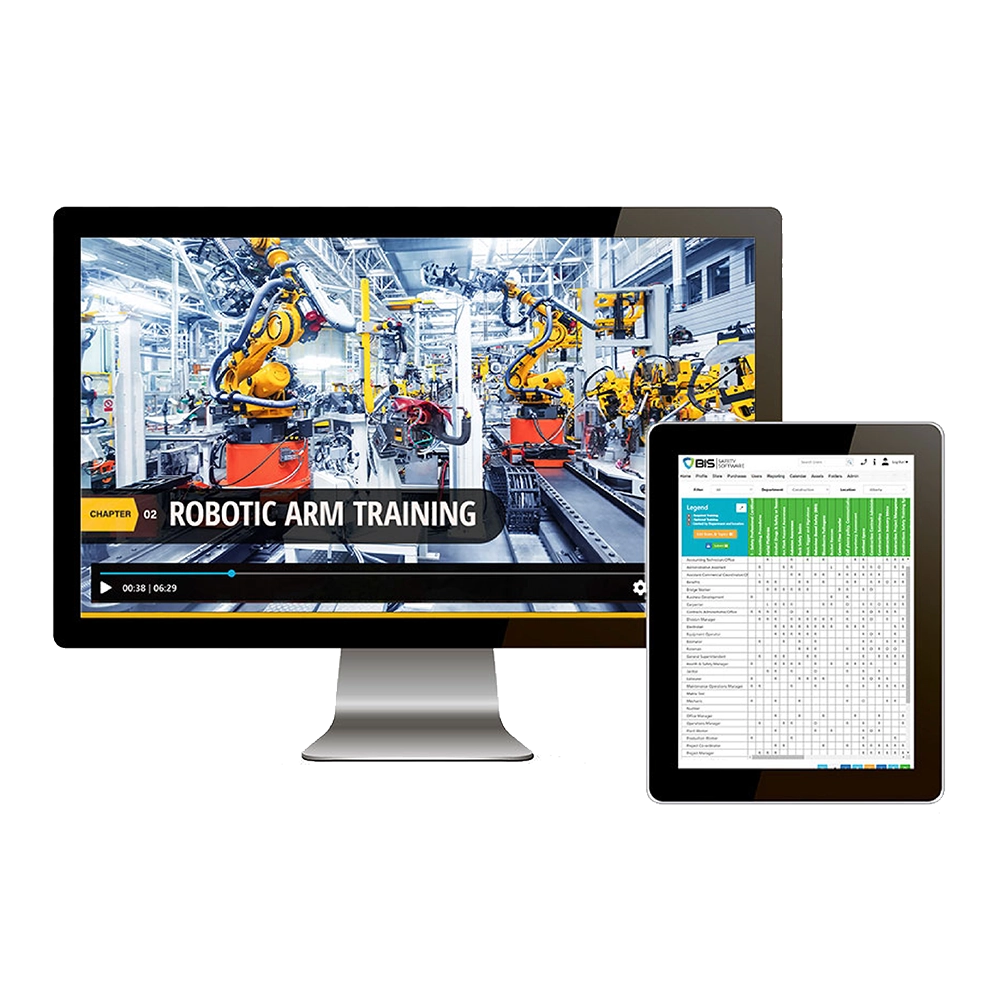
BIS Safety Software includes built-in competency management technology that goes beyond basic course completion tracking. Through the BIS Safety Software Learning Management System (LMS), training, assessments, certifications, and practical requirements are connected within a single competency framework aligned to specific job roles, worksites, and tasks. This ensures competency is defined by actual job requirements, not isolated learning events.
Competency status is tracked in real time, clearly showing whether individuals are qualified, conditionally qualified, or non-compliant for specific work. Expiries, prerequisites, and refresher requirements are automatically monitored, reducing the risk of overlooked certifications or outdated qualifications. Managers gain immediate visibility into workforce readiness across roles and locations.
By linking learning outcomes directly to job and site requirements, BIS Safety Software ensures training translates into verified capability and on-the-job readiness, not just attendance records. This approach supports defensible compliance, workforce planning, and safer task assignments.
Blended Learning Technology
BIS Safety Software supports true blended learning by seamlessly combining online training, instructor-led sessions, practical evaluations, and on-the-job verification within a single LMS platform. This allows organizations to design learning programs that reflect how skills are actually developed in the workplace.
Online courses, classroom sessions, toolbox talks, and hands-on assessments can all contribute toward a single learning path or competency requirement. Records from each learning method are automatically consolidated, giving administrators and supervisors a complete, centralized view of learner progress and qualification status.
Blended learning ensures flexibility for learners while maintaining consistency, traceability, and control for organizations. By managing all learning formats within the BIS Safety Software LMS, organizations can standardize training delivery, reduce administrative overhead, and ensure practical experience is captured alongside formal instruction.


Integrated Exam Engine
BIS Safety Software includes a fully integrated exam engine designed to assess knowledge accurately, consistently, and at scale. Exams can be customized using configurable question types, randomization rules, pass thresholds, time limits, and retake controls to meet internal policies or regulatory requirements.
Assessments can be aligned directly to courses, competencies, or specific regulatory standards, ensuring exam results are meaningful, auditable, and defensible. Exam outcomes automatically feed into certification and competency records within the LMS, eliminating manual updates and reducing the risk of data gaps.
By embedding assessments directly into the BIS Safety Software LMS, organizations ensure knowledge validation is reliable, standardized, and integrated into broader competency and compliance workflows.
Bonus!
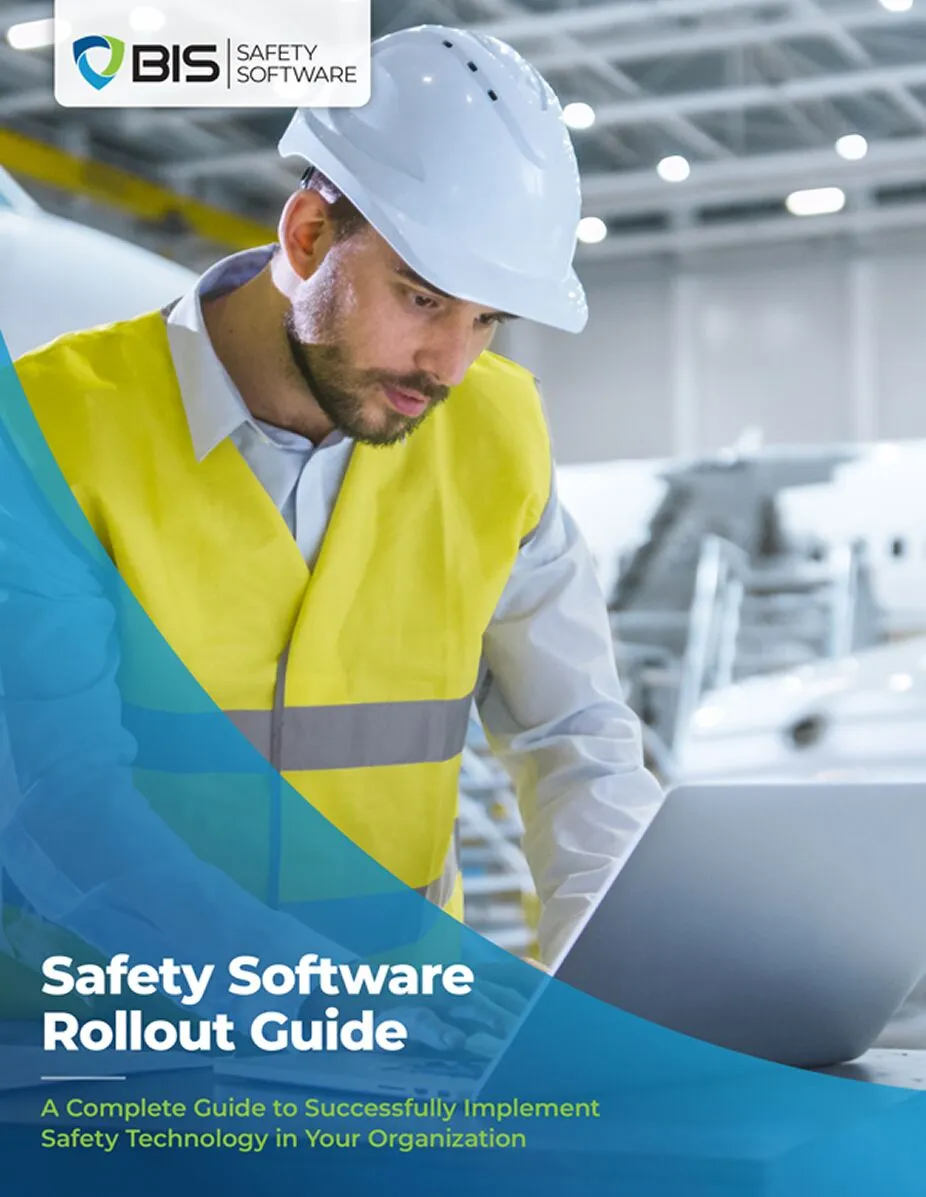
Safety Software Rollout Guide
Get the Safety Software Rollout Guide
In this guide, you will get:
- Decision filters to help think through configuration choices
- Executive sponsorship strategies that sustain momentum
- Adoption monitoring tips for the first 90 days
- How a software rollout can support cultural change
- Insights and benefits to a phased data migration plan
Online Virtual Proctoring
For higher-risk or compliance-critical training, BIS Safety Software supports online virtual proctoring to verify learner identity and maintain exam integrity. This capability strengthens oversight for remote assessments without sacrificing accessibility or efficiency.
Virtual proctoring helps ensure exams are completed by the correct individual and under approved conditions, reducing the risk of fraud, impersonation, or credential misuse. This is particularly valuable for certifications, regulatory training, and roles with high safety or operational consequences.
By adding verification controls to online assessments within the BIS Safety Software LMS, organizations increase trust in digital credentials and reinforce the credibility of their training and competency programs.

AI Course Builder
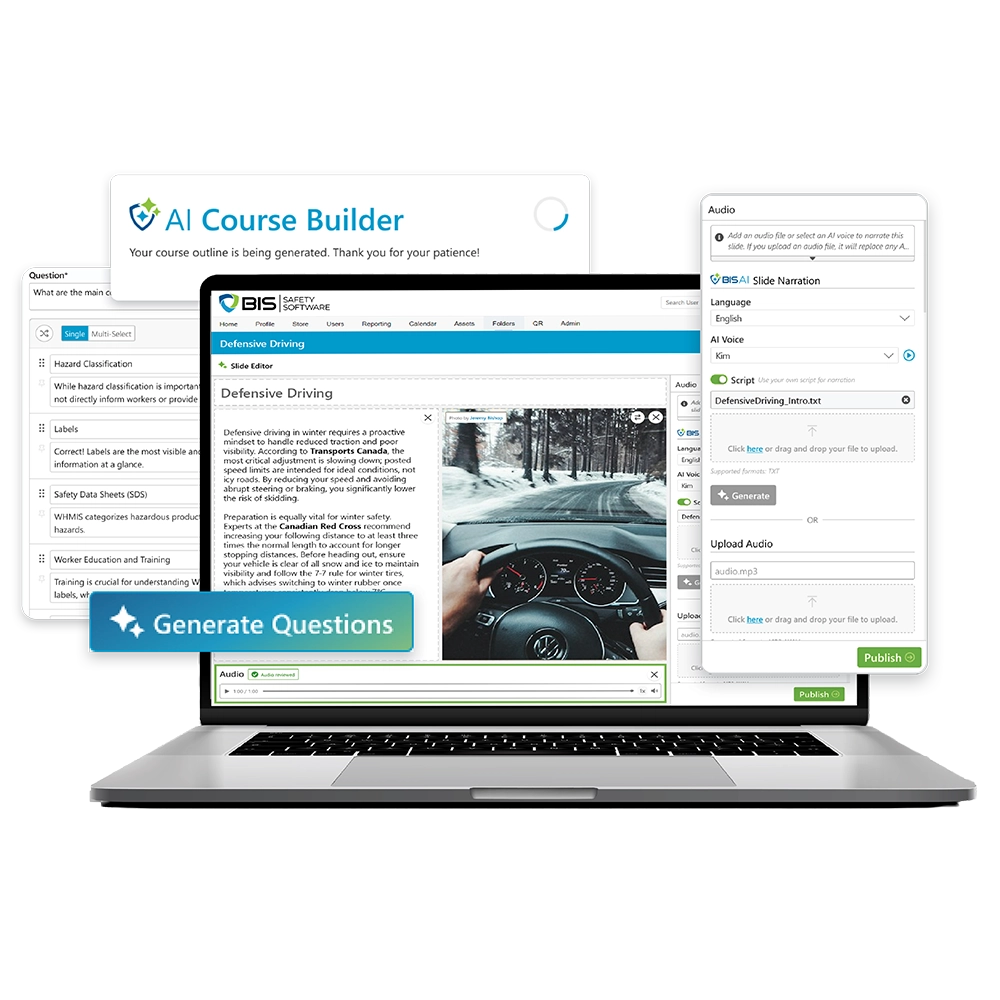
The BIS AI Course Builder enables organizations to rapidly create professional-grade training content using artificial intelligence. With a guided workflow, users can generate course material, images, voiceover narration, questions, and answers in a fraction of the time required by traditional authoring tools.
AI-generated content can be reviewed, edited, and customized to align with company standards, site requirements, and regulatory expectations. Courses can be deployed immediately and updated easily as requirements change.
The AI Course Builder reduces development effort, accelerates course creation, and helps organizations scale training without sacrificing quality.
Free Demos & Trial Accounts Are Available

Features
Action Plan!
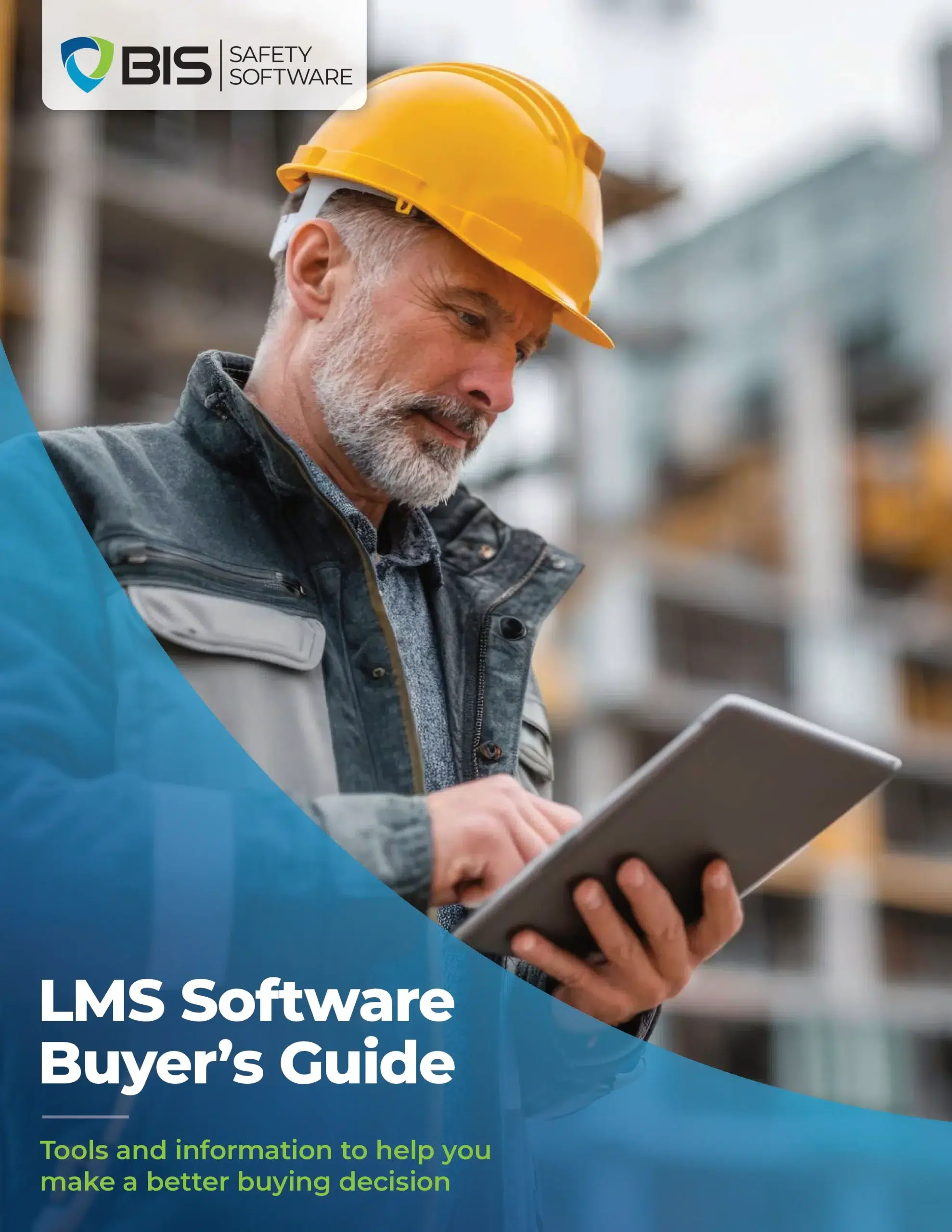
LMS Software Buyer’s Guide
Reduce Admin Work Without Losing Oversight
Use this guide to review:
- Training workflow automation
- Assignment and matrix logic
- Reporting and compliance tracking
- Migration and onboarding costs
- Ongoing support requirements